The #1 Volleyball Stat App for iPhone and iPad
SoloStats123 — track unlimited stats free. Works offline, syncs everywhere.
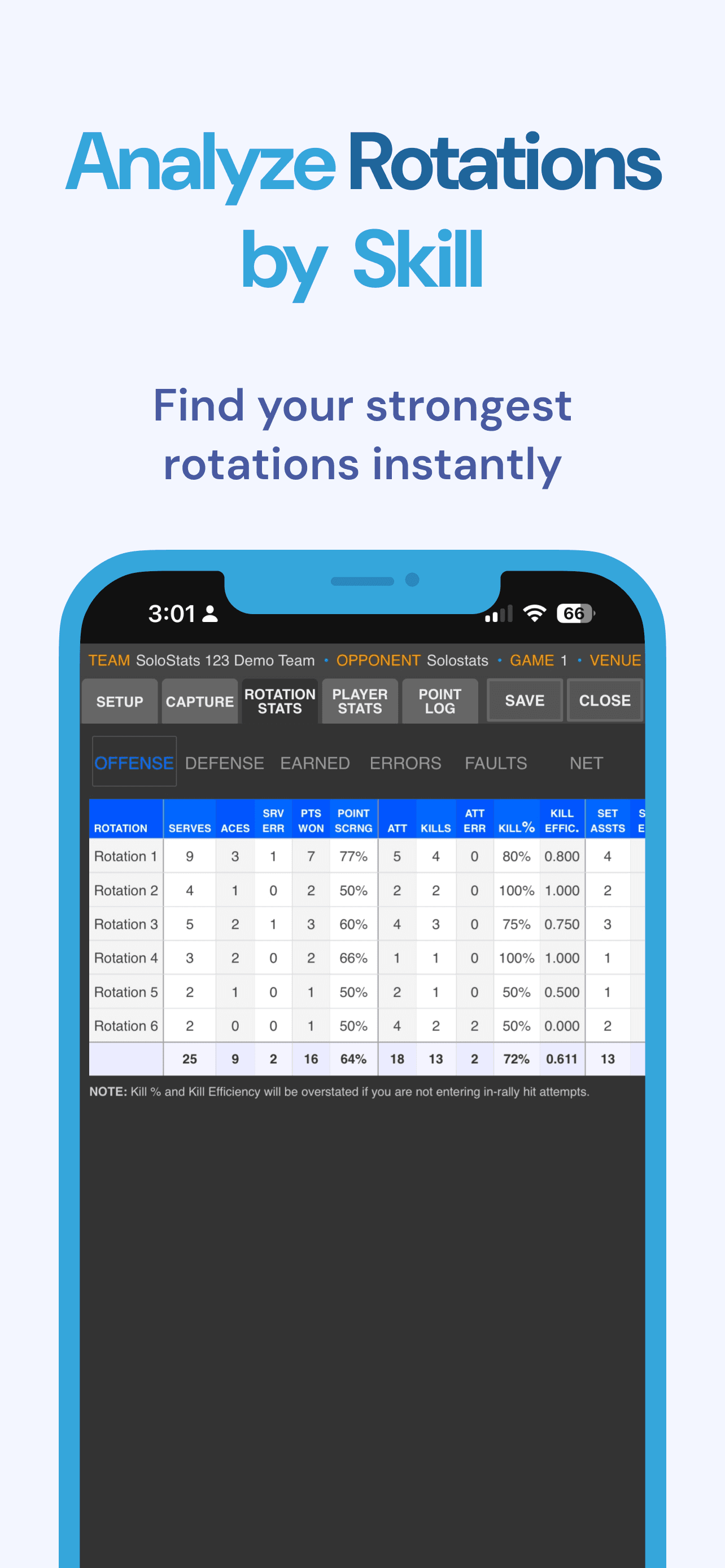
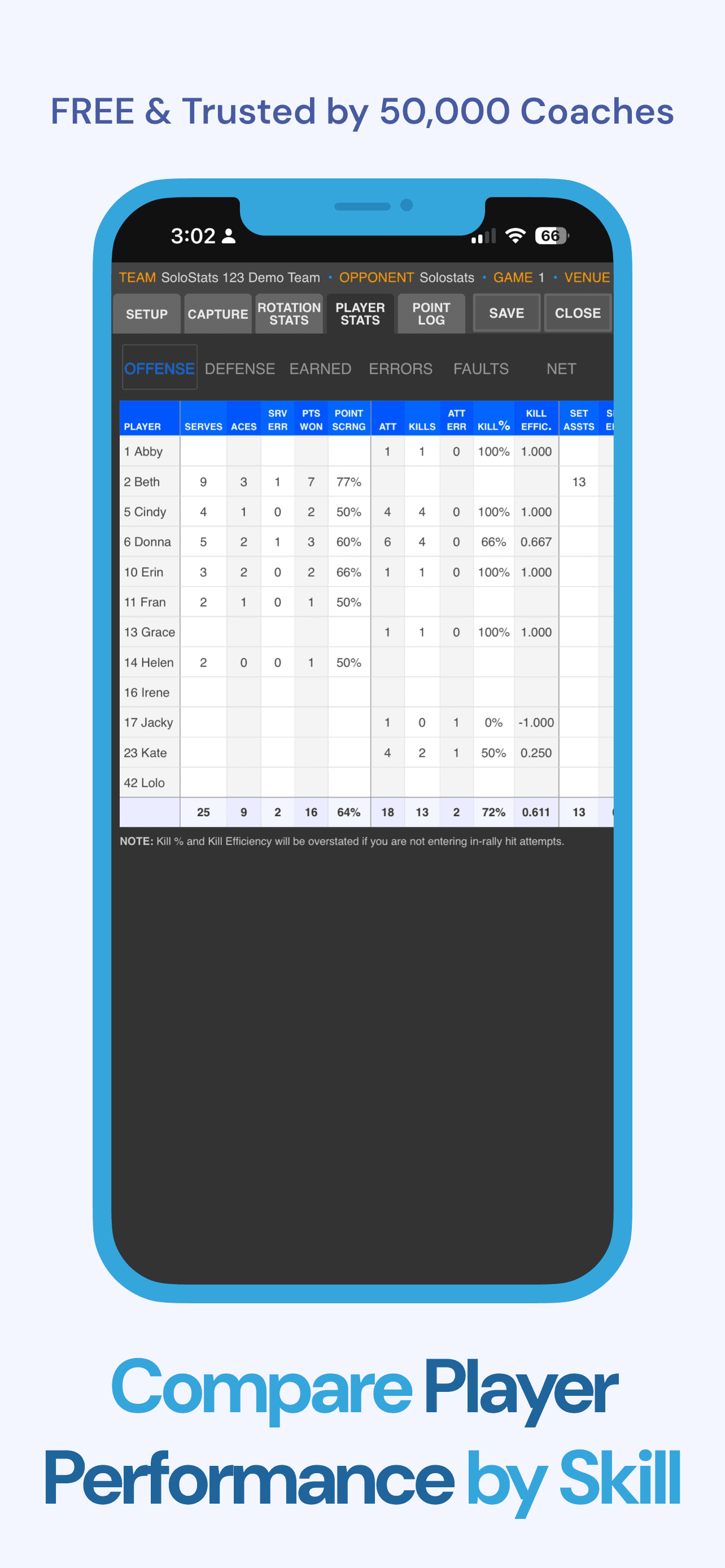

.png&w=640&q=75&dpl=dpl_FZtKCXHR6jE43JjWmisPsiQ6gA42)
Have feedback? Share a feature request →
Looking for a fast, easy, and reliable way to track volleyball stats?
SoloStats123 is the volleyball stat app coaches trust to capture match data quickly without breaking game flow. From first serve to final point, you can log kills, assists, blocks, digs, serves, and errors in just a few taps, then review clear totals after each set or match. If you need an app for volleyball stats that works the way coaches actually coach, SoloStats123 keeps entry simple, screens readable, and reports useful. Built for iPhone and iPad, it starts free, runs offline in any gym, and syncs when you are ready so your staff can make smarter lineup and training decisions.
Interested in learning more about the full suite of SoloStats coaching tools? See all SoloStats volleyball apps
Need a quick refresher on what to track? Visit the VB stats hub for role-based stat benchmarks and definitions.
Why Coaches Love SoloStats123
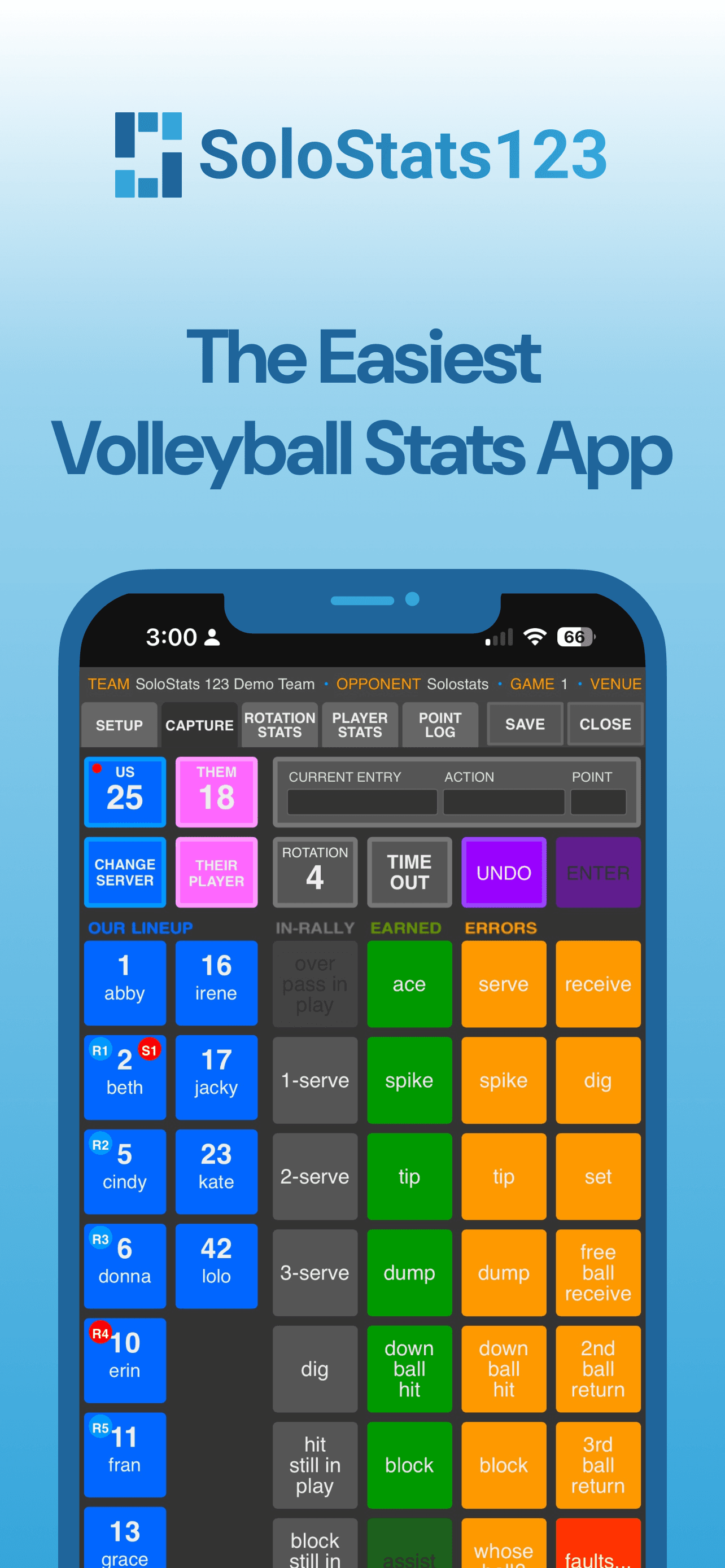
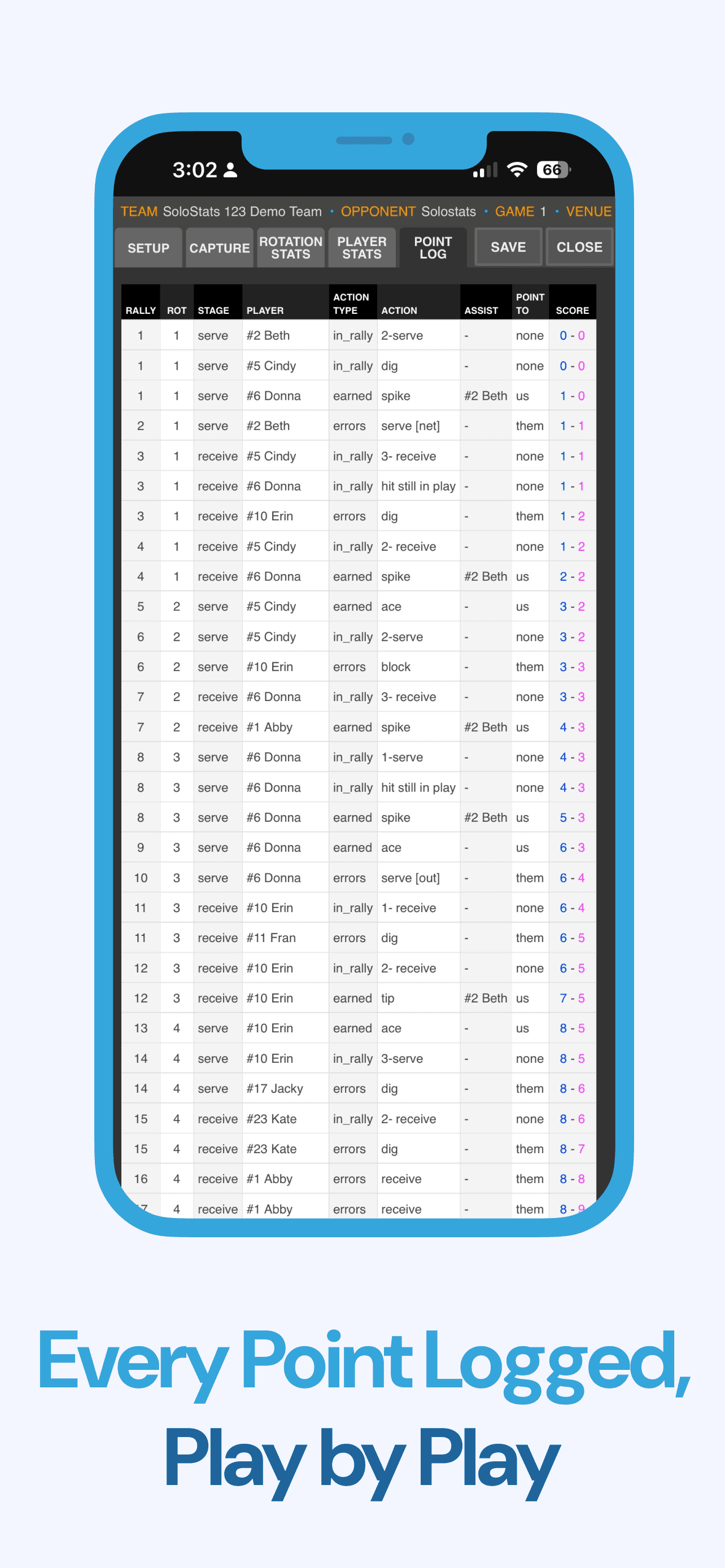
Record All Major Stats
Track kills, digs, serves, passes, and errors with ease
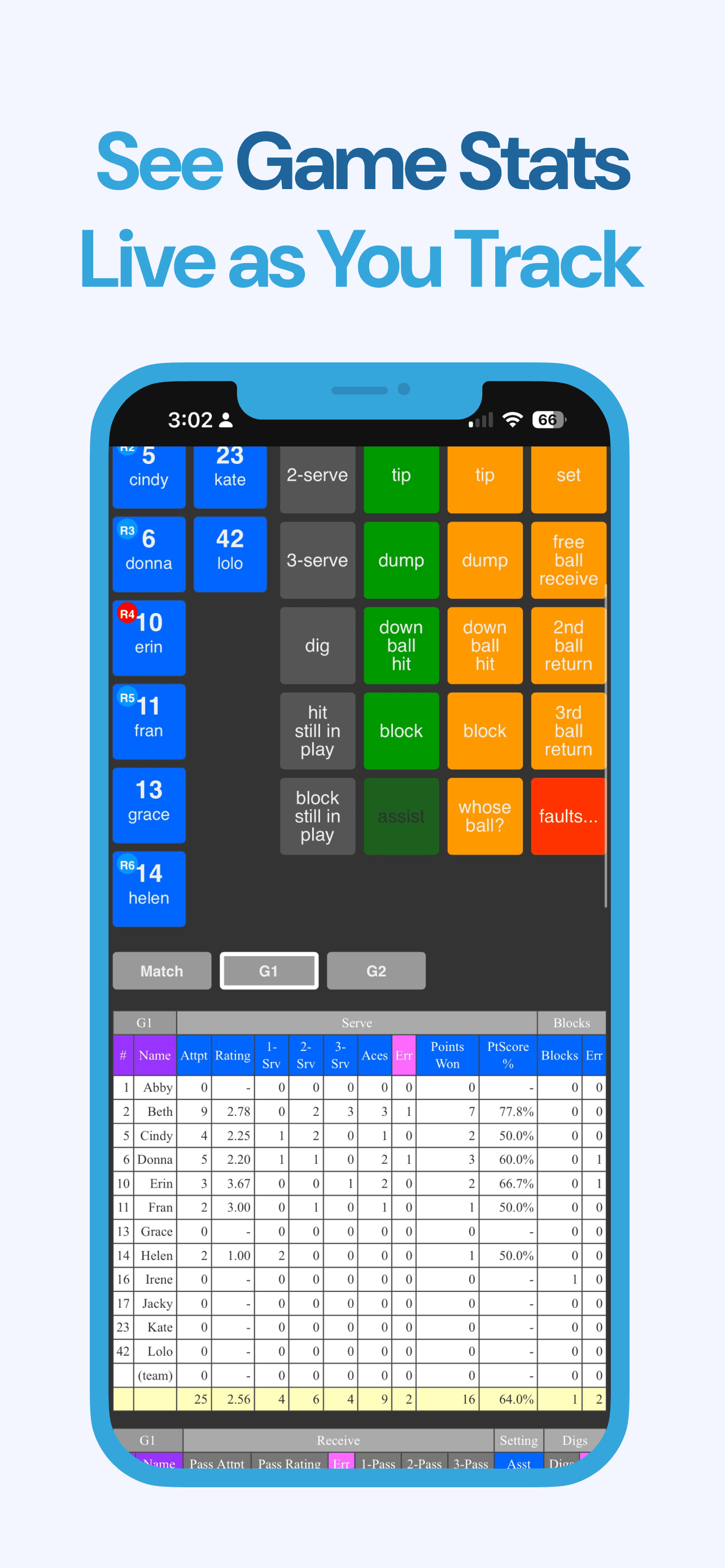
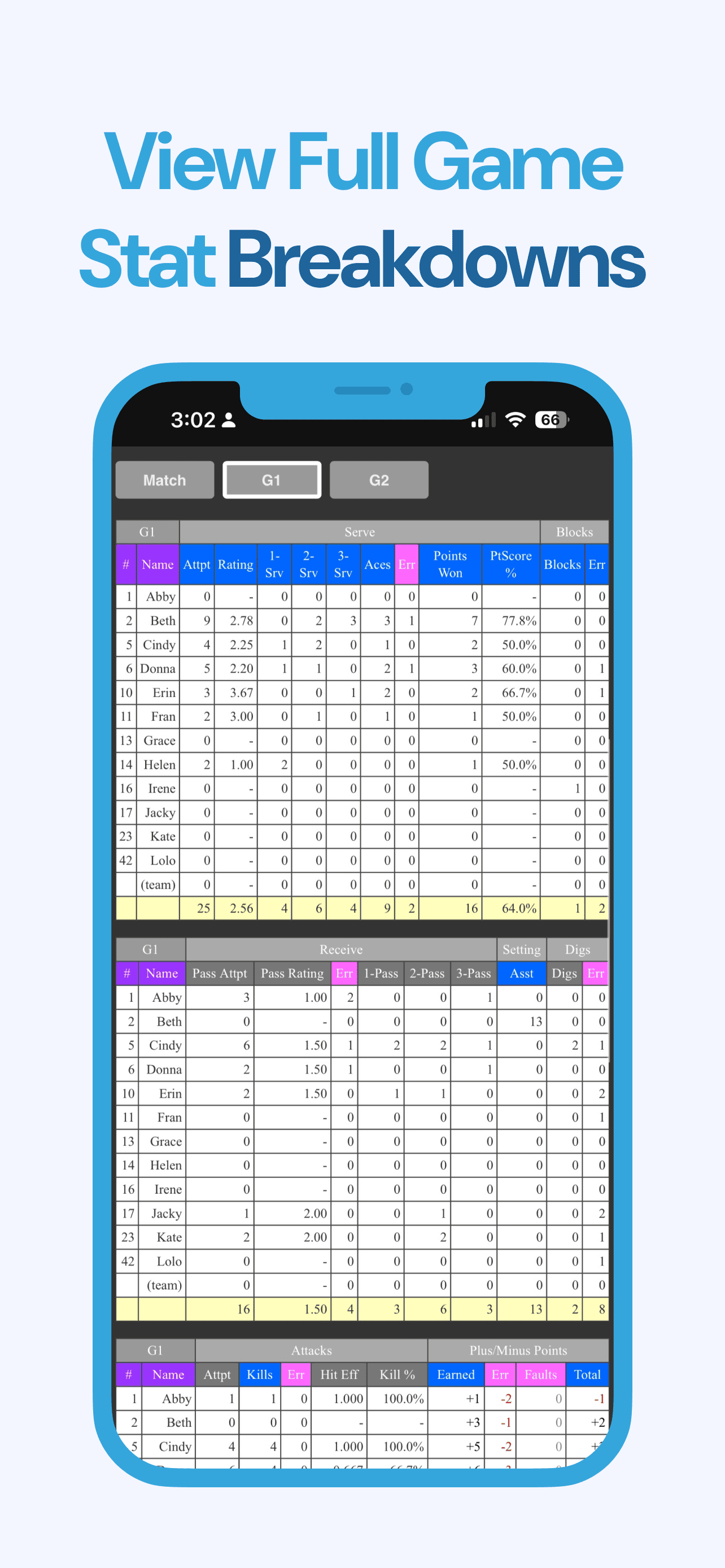
Live Totals & Percentages
See live totals and team percentages right in the app
Export to MaxPreps
Export your stats directly to MaxPreps and other platforms
Rotation & Timeout Tracking
Track current rotations, serving order, and timeouts
Works Offline
No Wi-Fi required — track matches anywhere
Ecosystem Compatible
Compatible with SoloStats Coach and WebReports for all your analysis needs
Available on iPhone and iPad
Volleyball Stats App for iPad
If you prefer a larger screen on the bench, this volleyball stats app for iPad gives you more room to track players, touches, and rotations without slowing down. Coaches can enter stats quickly during live play, review totals between sets, and share clean reports after the match. It is built for real match speed, clear visibility, and easy handoffs between staff members.
Download the volleyball stats app for iPad →Volleyball Stats App for iPhone
Need to move quickly along the sideline? The volleyball stats app for iPhone is built for one-hand use and fast entry so you can capture every touch in real time. Record key actions, check live percentages, and keep your match flow smooth even in tight gym spaces where speed and focus matter most.
Download the volleyball stats app for iPhone →What Coaches Say
"SoloStats123 helped us remain in the moment of coaching and not worry about missing any plays. With easy buttons to track players and plays we are able to provide quality coaching."
— BJ, Club Coach
See SoloStats123 in Action
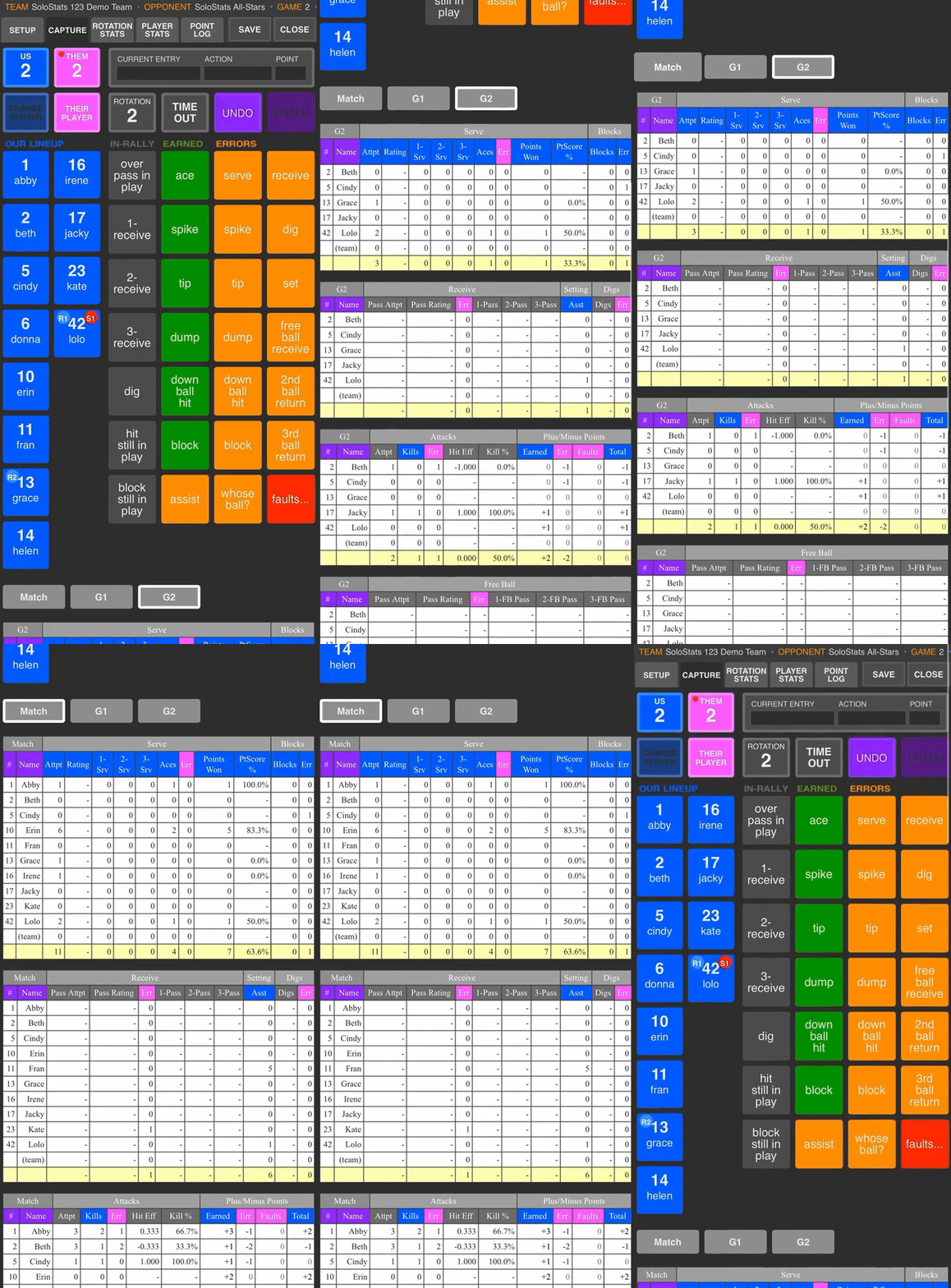
Get More with the Starter Bundle
Looking for a fully free option? See what's included at no cost →
Unlock the full power of SoloStats123 with the Starter Bundle. Get advanced analytics, mobile access, and professional tools all in one package.
What's Included in the Starter Bundle
Match stats in all stat capture apps
Track stats with any SoloStats app
WebReports Analytics
Advanced analytics and reporting
SoloStats Coach
Mobile access to your stats during matches
Multi-Device Support
Track on multiple devices simultaneously
Tutorial & Getting Started
Quick Start Guide
SoloStats123 uses a simple 1-2-3 flow that anyone can learn in minutes. Here's how to get started:
Select Player
Tap the player who touched the ball
Select Action
Tap the action (kill, error, assist, dig, etc.)
Confirm
Stats are automatically recorded and calculated
📚 Tutorial Resources
Action Button Definitions
Understanding action buttons helps identify specific team problems. A high level of detail allows you to distinguish between different types of errors and actions.
Important:
For all earned spike, tip, and down ball hit entries, the primary setter you specified for the rotation in the Game Setup will automatically get credit for a set assist, unless the ensuing entry is an Assist by a different player. Each of these actions also counts as a kill in the stats.
Spike, tip, dump, and down ball hit errors all count as attack errors in the stats.
📚 Learning Resources
💡 Tips for Success
- ✓Start with a practice match to get comfortable
- ✓Keep your device charged - matches can be long
- ✓Review stats after each set to verify accuracy
- ✓Works offline - no Wi-Fi needed during matches
Sync and Backup
Backup: SoloStats automatically uploads your stats to WebReports in real-time. Use the Backup button in Account settings to ensure all data is uploaded, especially if you experienced network issues.
Sync: Download team data from WebReports to your device. Use this when switching devices or using a secondary device. Sync is available in the Account dialog as "Sync data with another device".
Sync is one-way: from WebReports to your device.
How to Sync Between Devices
On your primary device, tap Account and perform a Backup to save data to WebReports.
On your secondary device, tap Account and select "Sync data with another device".
Select your primary device from the list and tap Sync. Your device will be refreshed with data from WebReports.
Frequently Asked Questions
Can I see full match and season stats in the free version?
The free version shows live set totals. For aggregated match, tournament, and season reports, upgrade to the Starter Bundle to unlock SoloStats Coach (mobile stats) and WebReports (full analytics).
Is SoloStats123 really free?
Yes. You can record unlimited stats for free. The Starter Bundle adds features like cloud sync, exports, and advanced analytics.
Does it work offline?
Yes — SoloStats123 can track matches without Wi-Fi and sync later.
Can I use SoloStats123 for tournaments or multiple teams?
Absolutely. The Starter Bundle is built for managing full programs and multi-device collaboration.
Does it integrate with MaxPreps and Hudl?
Yes — export from the WebReports to MaxPreps, Hudl, or Google Sheets.